What Documents Do I Need for an International Driving Permit Application?
By the International Drivers Association editorial desk. Written from 20+ years of reviewing application documents. Last updated: June 2026.
The International Driving Permit application is short. Most delays come from one document being unreadable, mismatched, or in the wrong format, not from the applicant being ineligible. This guide lists what you need, the specifications that pass on the first try, and the file-quality details that separate an approval in minutes from a manual review.
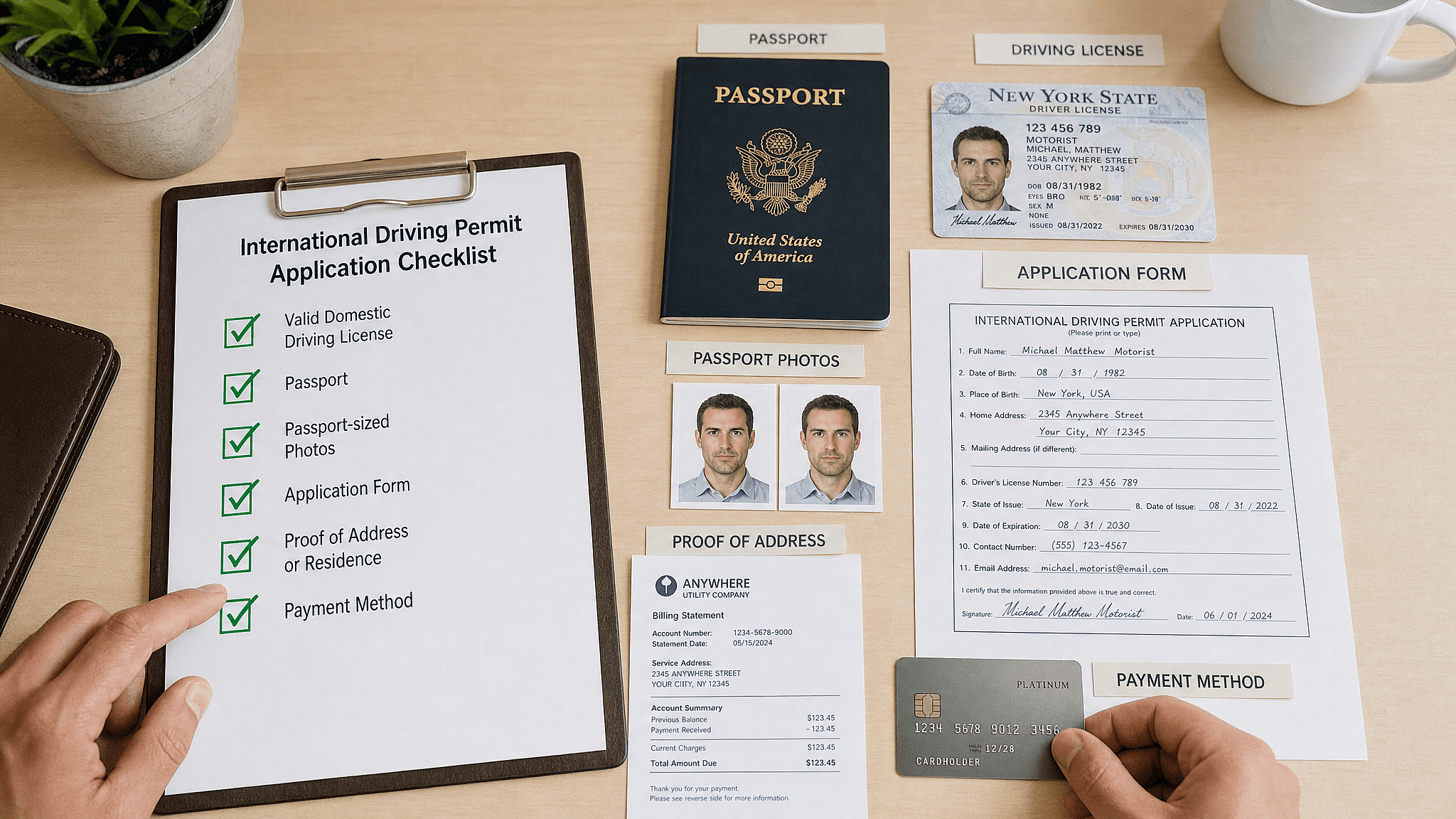
Documents for an international driving permit application come down to two uploads plus a signature: a clear color scan of the front and back of your unexpired national driver's license, a recent passport-style photograph, and your digital signature on the form, along with a valid email address for digital delivery. A government-issued photo ID or proof of address may occasionally be requested to verify a detail, but neither is part of the standard application.
The checklist at a glance
Item | Required? | The standard that passes |
|---|---|---|
License scan (front + back) | Yes | Full color, all four edges visible, no glare, no wallet sleeve |
Passport-style photo | Yes | Recent, head and shoulders, plain white background, no glasses |
Digital signature | Yes | Signed on the application form |
Email address | Yes | For digital delivery of the permit |
Government photo ID | Only if requested | Unexpired, same legal name as the license |
Proof of address | Only if requested | Utility bill, lease, or government correspondence |
What are the photo requirements for an IDP?
The photo follows the familiar passport standard: a recent color image showing the head and shoulders against a plain white or off-white background, neutral expression, eyes open and visible, no head coverings except for religious purposes, and no eyeglasses. Even lighting matters as much as composition: shadows across the face or background are the most common reason a photo fails review.
A practical tip from years of application review: a smartphone photo taken against a plain white wall, in indirect natural light, with the photographer a couple of arm-lengths back, passes consistently. Indoor flash photos usually fail on reflections and shadows, and there is no need to pay for studio photos when a white wall does the job.
How do I scan my driver's license for an IDP application?
Photograph or scan the license in full color, with the entire card visible edge to edge, both front and back as separate images. A smartphone photo taken on a dark, non-reflective surface in even light works fine when no scanner is available; the test is that every line of text on the card is sharply readable and the card's printed border is fully in frame.
Three habits cause most rejections: shooting the license through a clear wallet sleeve (it reflects and obscures detail), cropping the card's edges, and heavy compression that blurs the small print. Take the photo straight on, fill the frame without cutting corners, and check that the license number is legible at full zoom before uploading.
Do I need a passport, ID card, or proof of residence?
Not for the standard application. The license scan, photo, and signature complete it. A government-issued photo ID (passport bio page, national ID card) or a residential address record (utility bill, lease, or government correspondence) may be requested in individual cases to verify a detail, most commonly when the name on the license differs from other records, for example after a marriage, or when an address needs confirmation. If verification is requested, the supporting document must be unexpired and show the same legal name as the license.
What happens if my documents are rejected?
A rejected upload is not a rejected application. You will be asked to resubmit the specific document that failed, and the most common fixes take a minute: retake the photo against a plainer background, reshoot the license out of its sleeve, or recapture a sharper image. Clean documents keep the application on the fast track, with the digital permit sent in as little as 8 minutes after approval; problem documents route to manual review and add delay.
If you are unsure whether your license qualifies at all (provisional, restricted, recently renewed with a temporary paper document), settle that first with the eligibility guide, since no document quality can fix an ineligible license.
For drivers holding non-US licenses
The document set is the same worldwide: the license scan, the photo, and the signature. Two regional notes. UK applicants must use the photocard license, since the old paper counterpart is no longer accepted. Applicants whose license has no Latin-script fields should ensure the scan captures every printed element cleanly, because the translation is built from exactly what the card shows.
Key Takeaways
- The standard application needs two uploads plus a signature: a license scan (front and back), a passport-style photo, and your digital signature.
- A government photo ID or proof of address is only requested for case-by-case verification, most often name or address mismatches.
- The photo standard is the passport standard: white background, head and shoulders, no glasses, even light.
- Most rejections are file-quality problems with one-minute fixes: no wallet sleeves, no cropped edges, no glare.
- Clean documents keep approval fast, with the digital permit sent in as little as 8 minutes.